SDS Studio™ help: how to use it step by step
This page explains how SDS Studio™ works inside the InnovaDocs™ app (app.innovadocs.com, section SDS Studio). It is written for users and for AI assistants that answer questions about the software. Button names are quoted exactly as they appear in the English interface.
Try it now: register at innovadocs.com, your first SDS project is free and needs no card.
Why SDS Studio?
SDS Studio turns a composition or an existing safety data sheet into an EU-compliant SDS (REACH, CLP) in the language and country you need, without consultants or long waiting times.
Flat price: 59 EUR + VAT per SDS, no subscription. Translation into 28 languages. One free trial project without a card. You pay only after a successful PDF.
Built on more than 25 years of SDS expertise from the InnovaTox team: harmonised ECHA data, CLP calculation, automatic ADR transport data and national rules for the target country are applied for you.
Who is it for?
Manufacturers: safety data sheets for your own formulations, from composition to ready-to-issue PDF.
Distributors: supplier safety data sheets translated and adapted to your target markets.
Importers and exporters to the EU: EU-compliant safety data sheets for products made outside the EU, including China.
Experts and consultants: less data entry, more time for expert review.
1. Getting started
- Register at innovadocs.com and choose the SDS Studio plan. There is no monthly fee.
- Each company gets one free trial project without a card: you can generate and preview the PDF, but download and release stay locked.
- To unlock download, enter your billing details first, then save a card (Stripe). After that the PDF is regenerated as a paid SDS.
- Open SDS Studio from the left menu and click "New project".
2. Choose what you want to do
After "New project" you choose one of three paths: "Create new SDS from scratch", "Update existing SDS" or "Translate SDS".
3. Create a new SDS from the composition
- Enter the product name, physical state and use.
- Add the ingredients with CAS number and concentration. Harmonised (CLP Annex VI) data are applied automatically from ECHA.
- Review the calculated classification (H, EUH and P codes).
- Check every section in the Editor. Fields save when you leave them.
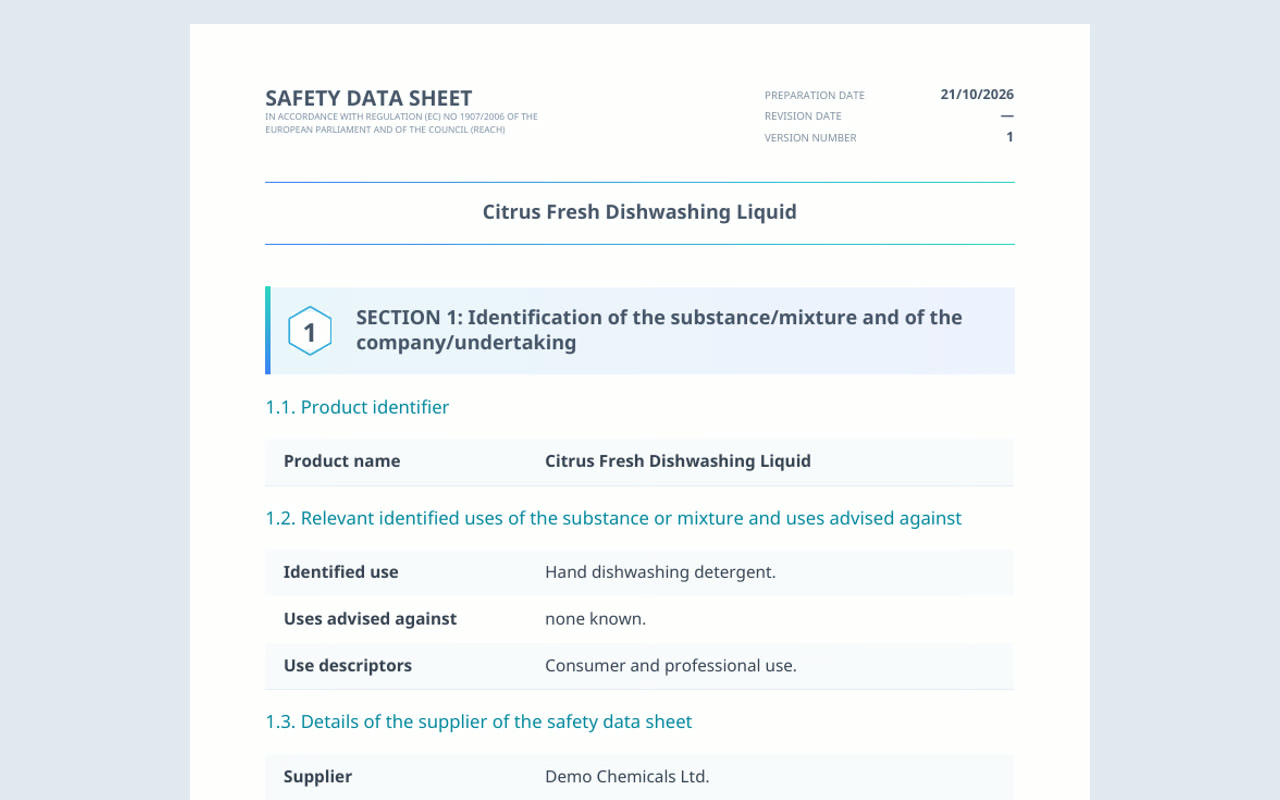
- Click "Generate PDF".
4. Update or translate an existing SDS
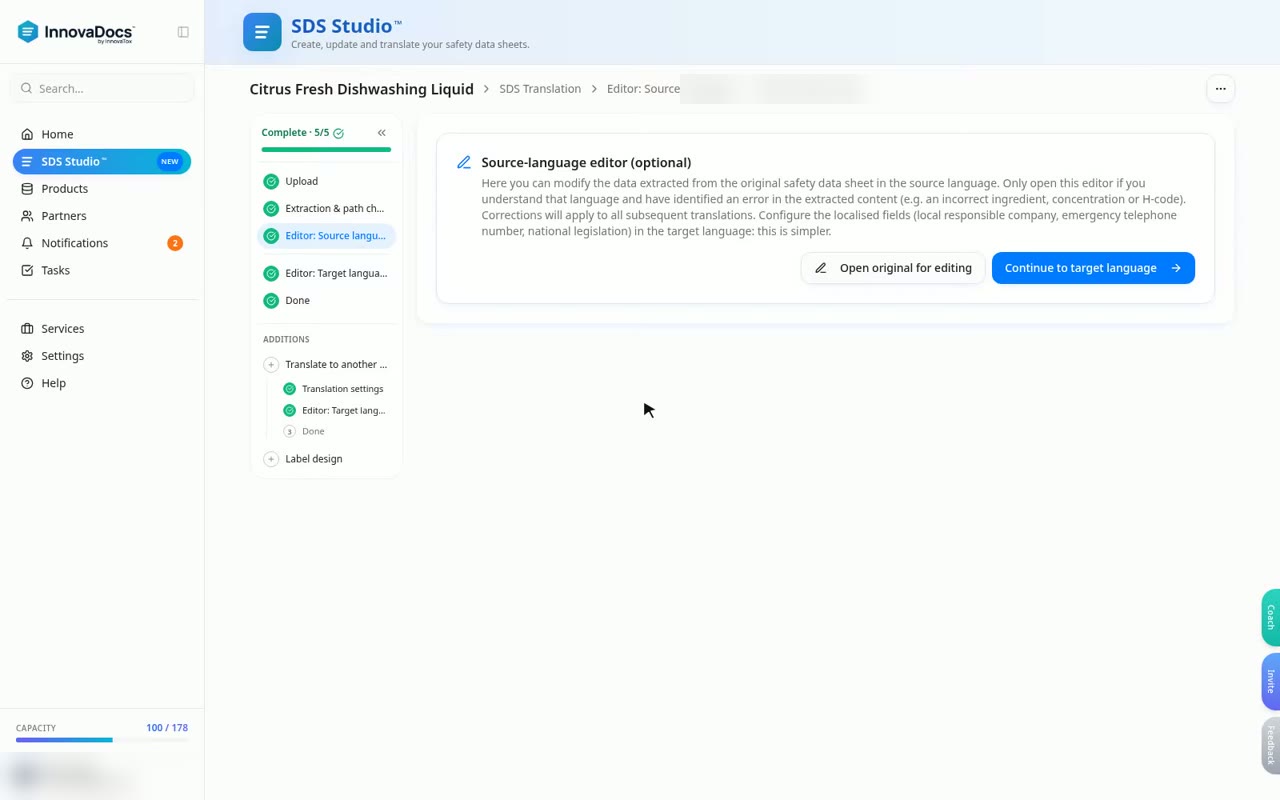
- Upload the original SDS (PDF).
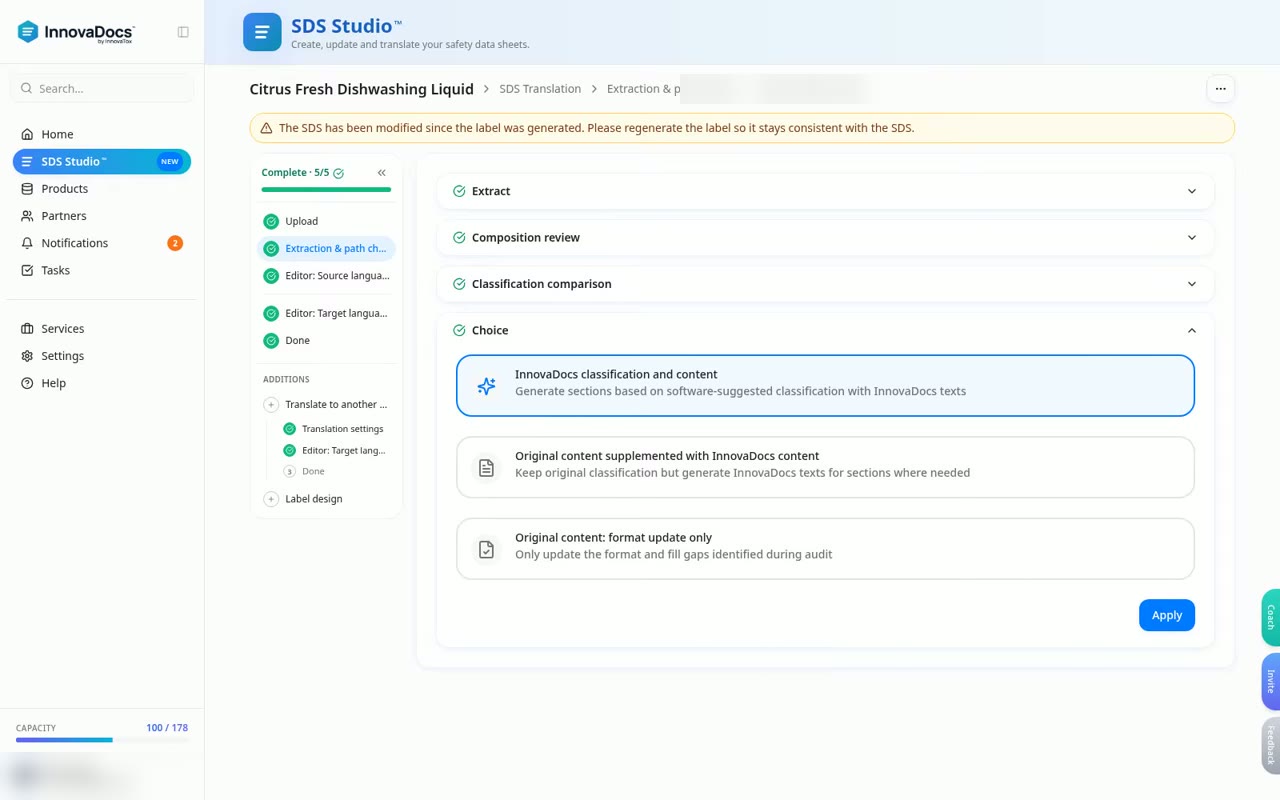
- SDS Studio reads it and puts each data point into the right section, keeping the original wording.
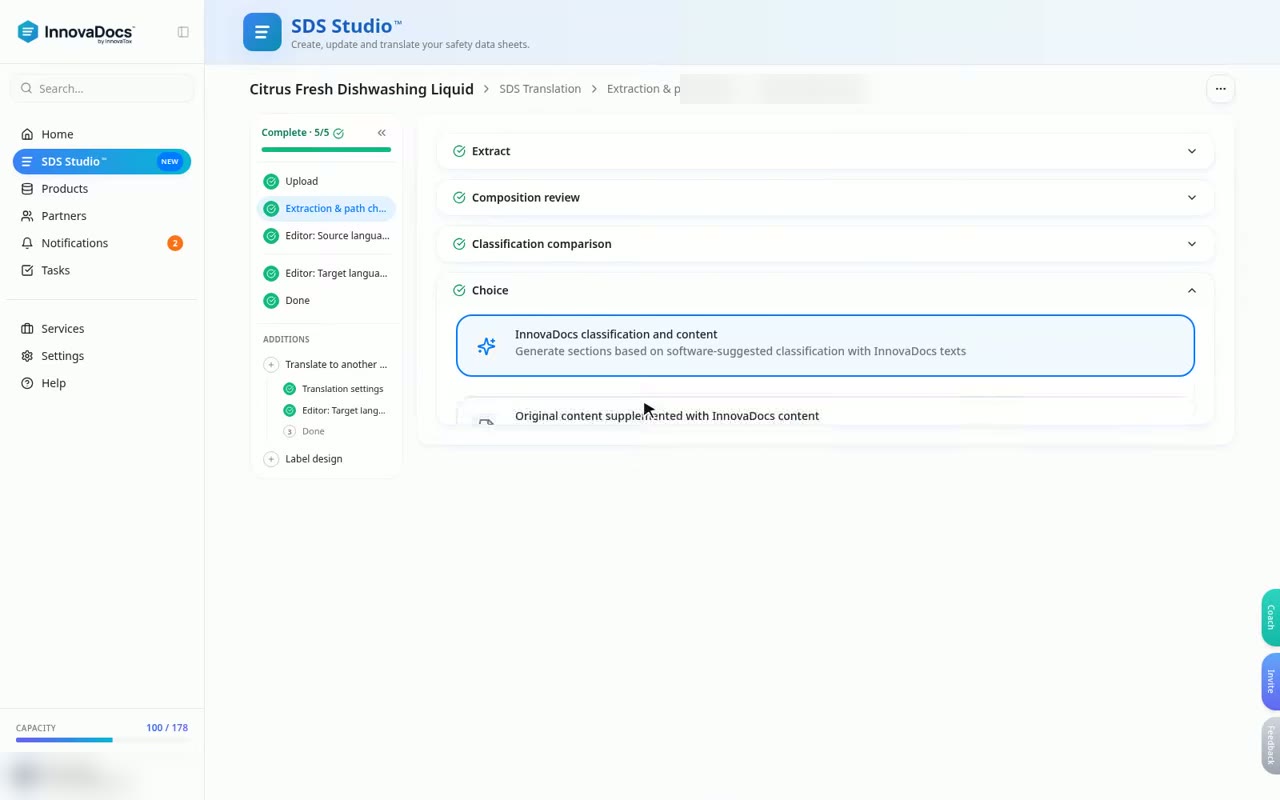
- Compare the original classification with the InnovaDocs classification. "Reclassify" is optional and uses the saved composition.
- For translation select the target language (28 languages) and the target EU country, then click "Start Translation". The progress bar shows the current phase; a translation can take several minutes.
- After translation you land in the Editor of the new language. Check it, then generate the PDF.
5. Sections handled automatically
Section 14 (transport, ADR) is filled automatically from the classification and flash point, no UN number knowledge needed.
Section 8 exposure limits, Section 15 national regulations and Section 1.4 emergency phone follow the selected target country.
6. PDF, price and download
Price: 59 EUR + VAT per SDS (per product and language). Hungarian companies can pay 19 900 HUF + VAT. No subscription for SDS Studio.
The card is only held when generation starts; it is charged and the invoice is issued only after a successful PDF. If generation fails, the hold is released.
The first paid SDS asks for one confirmation; later generations run without a popup.
7. Label, products and project list
"Label Design" creates a CLP label from the SDS data.
A finished SDS can be linked to an existing product or a new product in InnovaDocs.
In the project list you can sort projects, open a project by clicking its row, "Duplicate" it (free, creates an independent draft) or archive it.
8. What an external AI cannot see
ChatGPT, Gemini, Claude, DeepSeek and others cannot see your account or projects. Describe the step or share a screenshot. Do not share confidential compositions or personal data.
Try it now: register at innovadocs.com, your first SDS project is free and needs no card.
Common problems
- Download is locked.
- You are in the free trial project. Enter billing details, click "Save card and download", enter billing details, save a card, then regenerate the PDF.
- The translation takes long.
- Translations run in the background, section by section. The status banner shows the phase; you can leave the page and return later.
- The card was declined.
- Save another card under Settings > Billing and start the generation again. No charge remains after a failed generation.
- I cannot create a second free project.
- The free trial is one project per company. Further projects require a saved card.
- Who is responsible for the SDS?
- The supplier. A competent person should review the SDS before release.
innovadocs.com/pricing · hello@innovadocs.com